Go back
-
UI/UX design
what is ux design and how it impacts your business results
Many businesses invest in a website or app expecting it to generate sales, leads, or sign-ups. However, when results don’t match expectations, the problem is often not the product — it’s the user experience. UX (User Experience) design is not just about making things “look nice.” It focuses on how easily users can achieve their goals and how effectively your business can achieve its own. A well-designed UX guides users through your website or app, reduces friction, builds trust, and increases customer satisfaction. Ignoring UX can silently hurt conversions, engagement, and customer loyalty.

what is ux design?
UX design is the process of creating products, websites, or apps that are intuitive, functional, and enjoyable for users. It answers questions such as: Can users easily find what they need? Is the product simple and clear? Does the design guide users toward the desired actions? UX is about understanding users’ needs and designing interactions that allow them to achieve their goals efficiently and enjoyably.
UX Design vs UI Design
UX focuses on usability and structure, while UI focuses on visual appeal — colors, typography, buttons, and layout. Both are essential: UI attracts and engages users visually, but UX ensures they can successfully interact with your product. A visually stunning website can fail if users struggle to navigate or complete tasks.
Why UX Design Matters for Business
Good UX directly impacts business results by improving conversion rates, reducing bounce rates, increasing customer satisfaction, and lowering operational costs. Clear navigation, logical flows, and well-placed calls-to-action help users complete purchases, sign-ups, or bookings, directly boosting revenue. When users can understand your value proposition immediately, they stay longer, explore more pages, and engage with content. This reduces bounce rates, increases the likelihood of repeat visits, and strengthens overall brand perception. Strong UX also builds credibility: predictable interactions, consistent layouts, and smooth workflows reassure users, making your business appear professional and trustworthy.

Core Benefits of UX for Business
- Higher Conversion Rates: streamlined flows, intuitive navigation, and clear CTAs increase user actions.
- Lower Bounce Rates: visitors stay longer and interact more when the site is easy to use.
- Improved Customer Satisfaction: users complete tasks efficiently, increasing loyalty and positive word-of-mouth.
- Reduced Operational Costs: fewer errors, questions, and onboarding challenges save your team time and resources.
Common UX Mistakes That Hurt Results
Businesses often underestimate UX, resulting in problems such as unclear value propositions, excessive calls-to-action, complex navigation, long or confusing forms, ignoring mobile optimization, and prioritizing aesthetics over usability. Addressing these early prevents lost revenue, reduces customer frustration, and strengthens long-term engagement.
When Should a Business Focus on UX?
Businesses should prioritize UX whenever traffic is high but conversions are low, users appear confused, or competitors outperform them. UX becomes essential during new product launches, website redesigns, scaling phases, or when introducing new features. Designing based on analytics, real user behavior, and testing ensures platforms meet actual needs rather than assumptions.
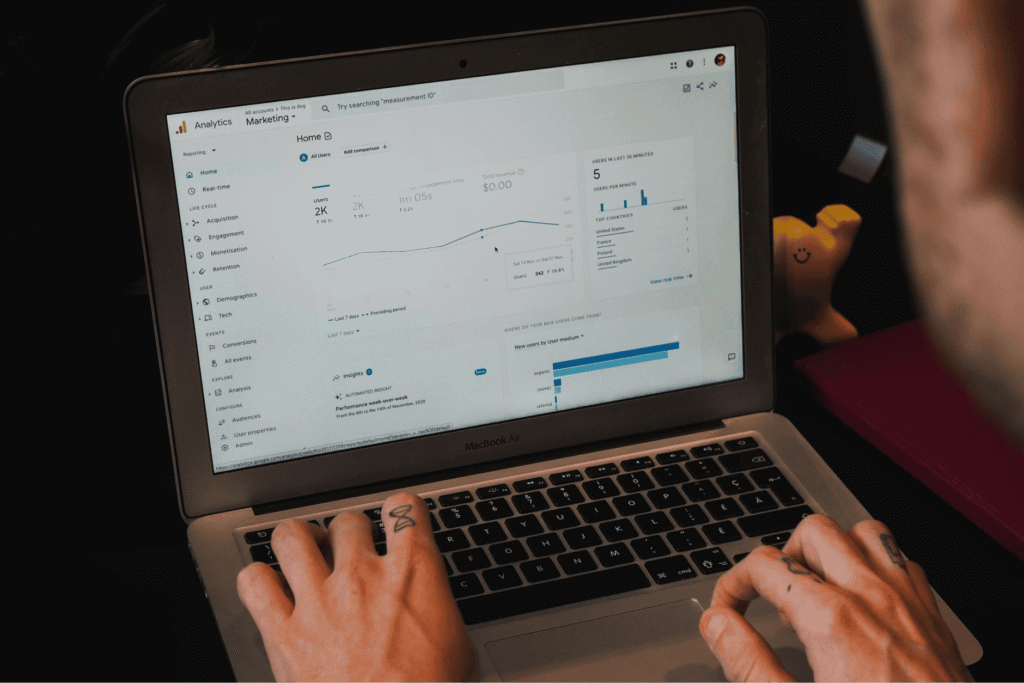
Key Indicators That UX Needs Attention
- Low Conversion Rates Despite Traffic: users visit but fail to complete actions.
- High Drop-Off Points: users abandon pages or forms mid-process.
- Confusing Navigation or Layouts: users struggle to find what they need.
- Negative User Feedback: complaints, support requests, or low satisfaction scores.
UX as a Strategic Tool
UX is not just about fixing problems; it’s a strategic tool for growth. Small improvements in navigation, content flow, and task completion compound over time, boosting conversions, engagement, and loyalty. Businesses that focus on UX gain a competitive advantage, improve customer retention, and create a foundation for sustainable growth.
Advanced UX Strategies for Business Growth
UX is not only about usability but also about driving customer retention, engagement, and efficiency. It focuses on creating seamless, intuitive experiences that keep users satisfied and encourage them to return. The following subtitles cover critical topics for modern businesses.
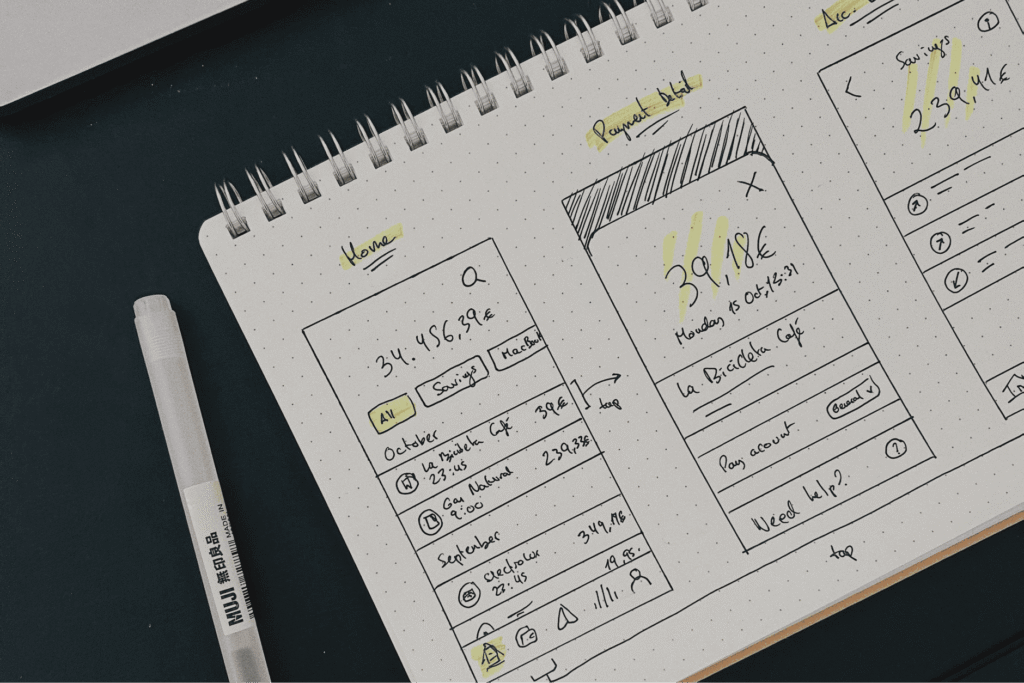
How UX Impacts Customer Retention
Customers are more likely to return when their experience is smooth, predictable, and enjoyable. Good UX ensures that users:
- Can easily find products or features they need
- Feel confident in completing tasks without errors
- Engage with additional services or content
A strong UX strengthens loyalty, turning one-time visitors into repeat customers.
Mobile UX: Why It’s More Important Than Ever
Over half of internet traffic comes from mobile devices. Poor mobile UX leads to frustrated users and lost conversions. Key mobile UX practices include:
- Fast loading times and optimized images
- Simplified navigation for smaller screens
- Clear calls-to-action that are easy to tap
- Responsive layouts that adapt to various devices
Measuring UX Success: KPIs and Metrics
Tracking UX performance helps ensure your investment pays off. Common metrics include:
- Conversion Rate: percentage of users completing desired actions
- Bounce Rate: visitors leaving before interacting
- Task Success Rate: users completing tasks without errors
- Customer Satisfaction: surveys, feedback, and Net Promoter Score (NPS)
Monitoring these KPIs highlights areas for improvement and validates UX changes.
UX for Startups: Prioritizing Features and Flows
Startups often face limited resources. UX can help prioritize features by focusing on:
- Core user tasks that deliver the most value
- Simplified navigation to reduce friction
- Testing MVP flows before scaling
A focused UX strategy ensures your limited resources generate maximum impact and user satisfaction.
How UX Can Reduce Support Costs
A well-designed UX reduces confusion, errors, and repetitive support requests. Key approaches include:
- Clear instructions and tooltips
- Simplified forms and workflows
- Logical navigation and labeling
Investing in UX upfront minimizes customer frustration and operational overhead.
UX Design for E-Commerce and SaaS Platforms
For e-commerce and SaaS businesses, UX is a direct driver of revenue and long-term engagement. Optimizing product pages, checkout flows, onboarding processes, and feature discovery ensures users convert, stay engaged, and continue using your service.

Key UX Strategies for E-Commerce and SaaS
- Simplified Checkout and Sign-Up Processes: reduce friction and minimize cart abandonment.
- Clear Product and Feature Presentation: communicate value quickly so users understand benefits immediately.
- Intuitive Navigation: guide users to information efficiently across platforms.
- Responsive Mobile Design: engage users on smartphones, tablets, and desktops.
- Personalized User Experience: offer tailored content, product recommendations, or feature suggestions based on user behavior.
- Effective Onboarding and Tutorials: help new users understand features quickly and reduce confusion.
By implementing these strategies, e-commerce and SaaS platforms can transform from simple online presences into high-performing growth tools that drive conversions, retention, and long-term customer loyalty. Proper UX ensures not only immediate gains but also a scalable foundation for future product expansion and brand trust.
What Is UI Design and Why It Matters for Business
While UX focuses on usability, structure, and user flow, UI (User Interface) design focuses on visual appeal, interactivity, and aesthetics. UI is what users see, touch, and interact with — buttons, colors, typography, images, layouts, and animations. A well-crafted UI not only makes a product attractive but also reinforces usability by guiding users intuitively through the platform. Poor UI can make even a well-structured UX confusing, while a strong UI amplifies the effectiveness of UX by making interactions clear, engaging, and enjoyable. For businesses, investing in UI design enhances brand perception, builds trust, and encourages users to interact more deeply with digital products.
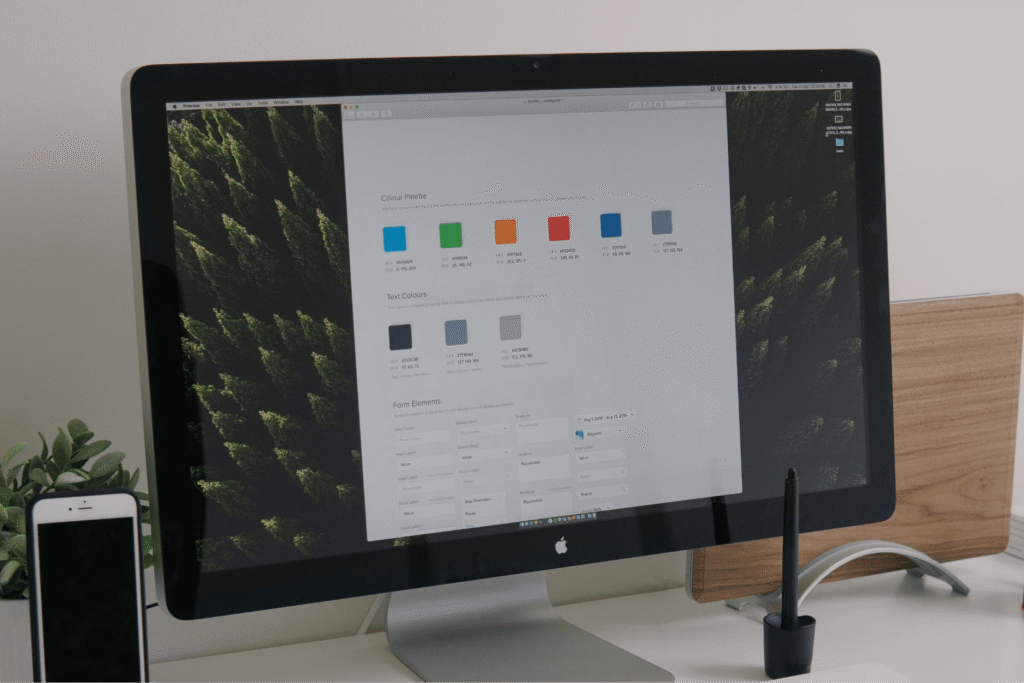
Core Elements of UI Design
UX design is the process of creating products, websites, or apps that are intuitive, functional, and enjoyable for users. It answers questions such as: Can users easily find what they need? Is the product simple and clear? Does the design guide users toward the desired actions? UX is about understanding users’ needs and designing interactions that allow them to achieve their goals efficiently and enjoyably.
- Visual Consistency: uniform colors, fonts, and components make the interface predictable and professional.
- Interactive Feedback: buttons, links, and forms should respond clearly to user actions to confirm that interactions are recognized.
- Hierarchy and Layout: proper spacing, sizing, and organization of elements guide users’ attention to the most important areas.
- Accessibility: UI design should ensure readability, contrast, and usability for all users, including those with disabilities
How UI Enhances UX
UI and UX work hand-in-hand. While UX defines the structure and flow, UI ensures that users understand and enjoy those flows visually. Good UI reduces cognitive load, clarifies choices, and strengthens trust. For example, a clearly designed checkout button (UI) in an intuitive checkout flow (UX) will directly improve conversion rates. In essence, UI is the visual and interactive layer that makes UX tangible, appealing, and memorable.
Why UI Design Is Critical for Business Success
UI design plays a crucial role in how users perceive your brand and whether they choose to trust and engage with your product. First impressions are formed in seconds, and visual design is often the deciding factor in whether users stay or leave. A clear, modern, and well-structured interface communicates professionalism, credibility, and reliability. Poor UI, on the other hand, can make a product feel outdated, confusing, or untrustworthy — even if the functionality is strong. For businesses, UI is not just decoration; it is a strategic tool that influences user confidence, engagement, and conversion rates.
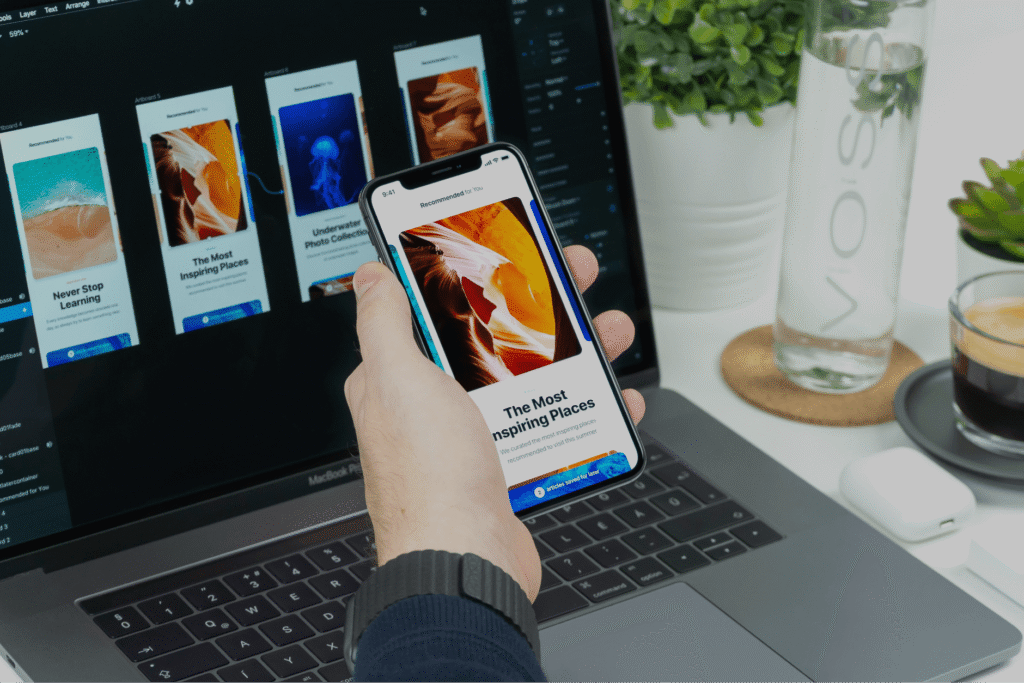
UI Design Builds Trust and Brand Recognition
Consistent visual language helps users recognize and remember your brand. Colors, typography, spacing, and component styles create a visual identity that differentiates your business from competitors. A strong UI reinforces brand values and creates emotional connections, making users more likely to return and recommend your product.
UI Directly Affects Conversion Rates
Well-designed interfaces guide users toward key actions such as purchases, sign-ups, or inquiries. Clear buttons, visual hierarchy, and intuitive layouts reduce hesitation and friction. When users immediately understand what to do next, they are more likely to complete actions that drive business growth.
UI Improves Usability and Reduces Friction
Good UI supports usability by making interactions obvious and intuitive. Visual cues such as icons, spacing, contrast, and feedback help users navigate without thinking too much. This reduces errors, shortens learning curves, and improves overall efficiency — especially important for complex products, SaaS platforms, and dashboards.
UI Supports Scalability and Product Growth
A well-designed UI system allows businesses to scale faster. Design systems, reusable components, and consistent patterns make it easier to add new features, onboard users, and maintain quality across platforms. This reduces development costs, speeds up releases, and ensures a consistent experience as the product evolves.
Conclusion
UI and UX Design Work Best Together
UI and UX design are often discussed separately, but in reality, they are two sides of the same experience. UX defines how a product works, how users move through it, and how easily they achieve their goals. UI defines how that experience looks, feels, and communicates with users. When UX is strong but UI is weak, users may struggle to understand flows or lose trust. When UI looks beautiful but UX is poorly structured, users may feel frustrated and abandon the product. Only when UI and UX work together can businesses create digital products that are both intuitive and engaging — and that consistently drive results.
Blog
Check our latest articles and insights

October 20, 2025
reading 5 min
Small Business Website Cost 2026
We use cookies
This website uses cookies to ensure you get the best experience on our site. Read our Cookie Policy.